Essential Upgrades – Creality Ender 3
By Dmitriy TokarchukUpdated
Heads up: some links in this post are affiliate links. If you buy through one, I may earn a small commission at no extra cost to you. It helps keep this blog running.
Cable carrier
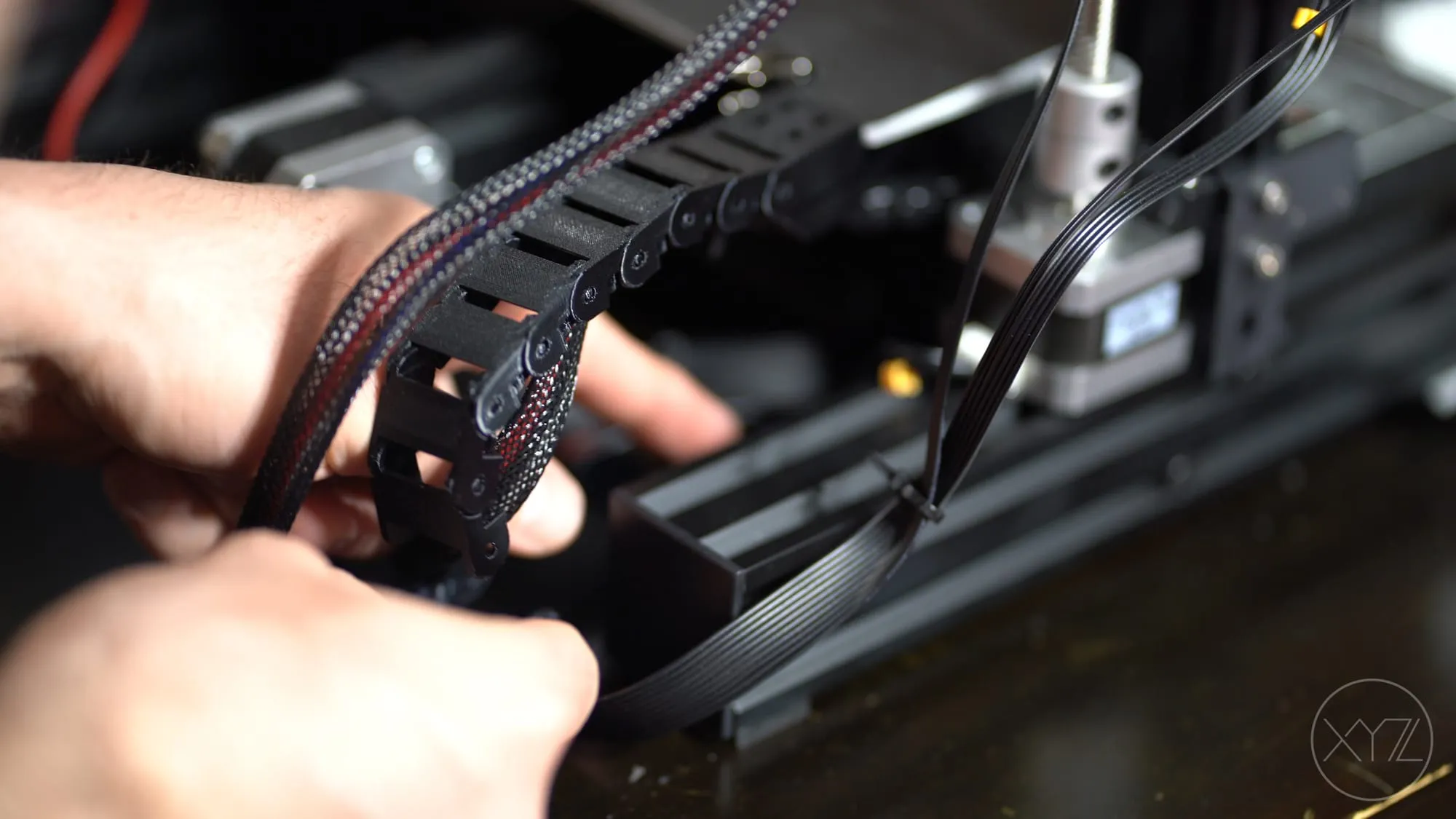
With the frequent movement of the heat bed, it’s important to keep the cables on the Ender 3 where they need to be. Constant rubbing or snagging of the cable will inevitably lead to damage and failure. A well designed cable carrier will prevent this from happening.
The one that I found and recommend is by johnniewhiskey.
Filament guide
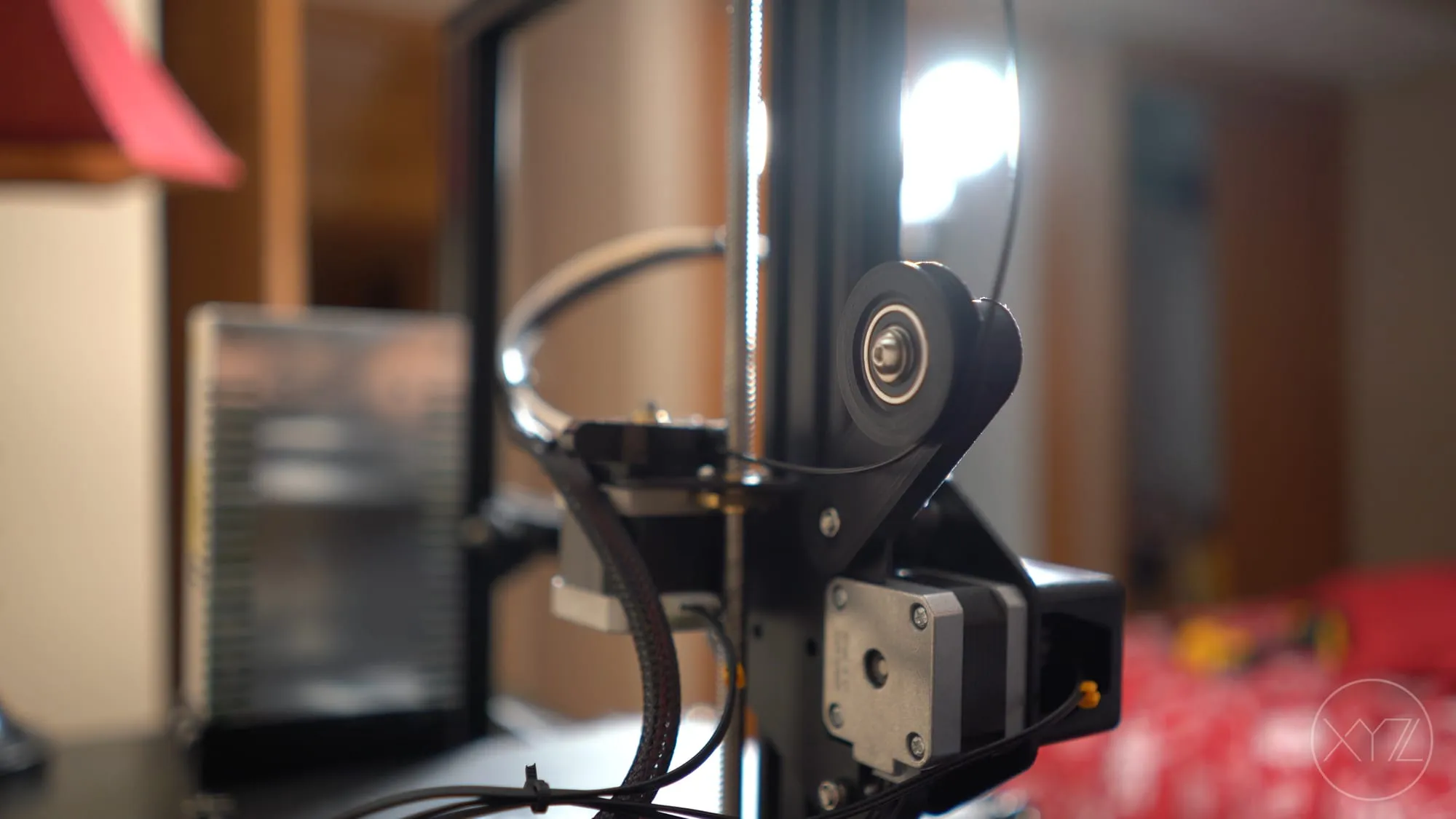
The filament guide is probably the most important upgrade to the Ender 3. Without a guide, the filament will wear into the feeder assembly inlet. It doesn’t take long for this to happen. I must have printed no more than ten times before I noticed serious wear.
There’s no need to fear, this problem can be easily solved with your 3D printer. The filament guide that I like just happens to be one I designed myself… To download the model for yourself, head over to Thingiverse.
In order to make use of this filament guide, you will need a ball bearing. The size needed is fairly common: 3/8 x 7/8 x 9/32. If you don’t have a bearing this size, you can find one on Amazon: R6-2RS Sealed Bearings
SD card adapter
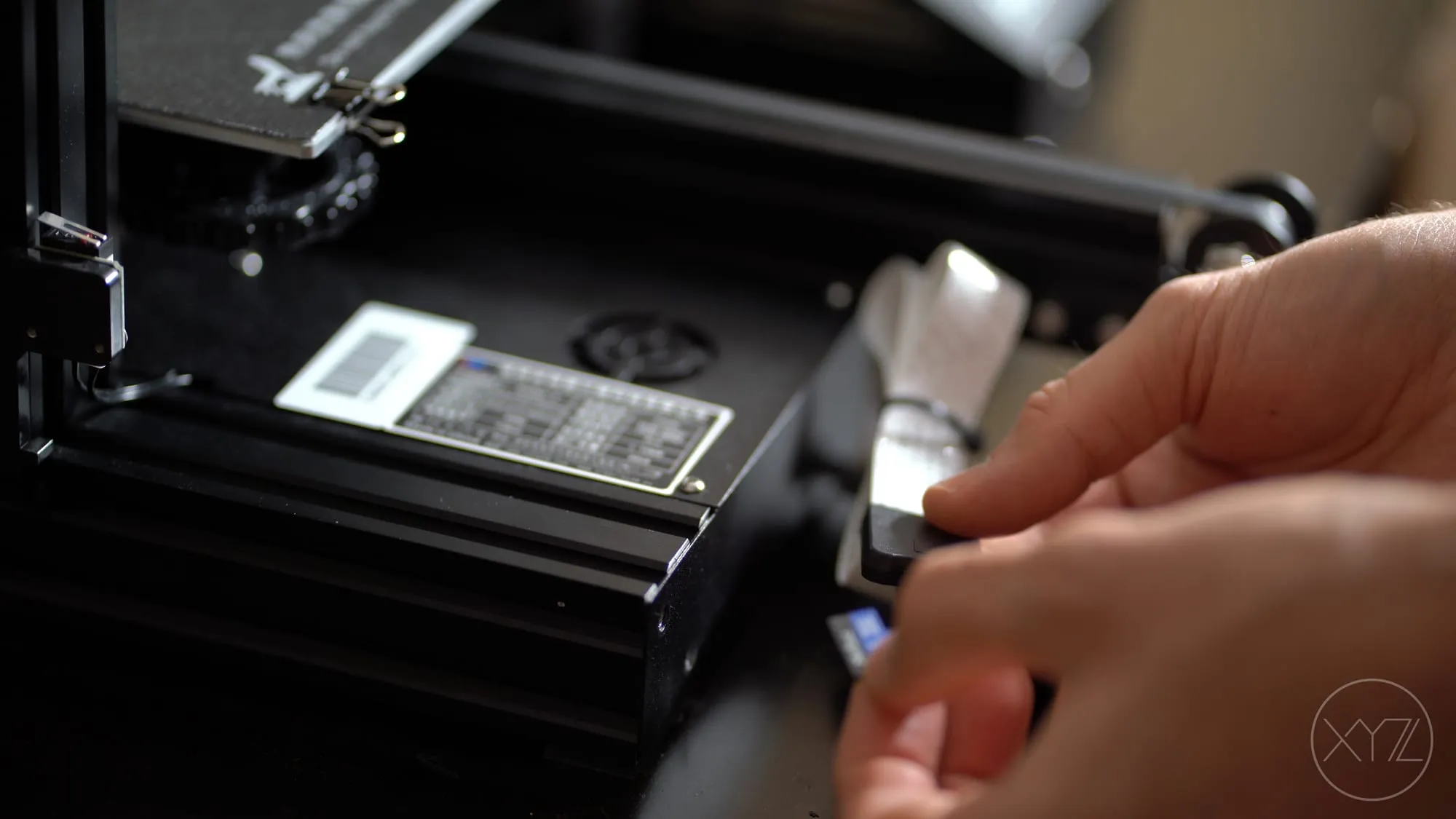
If you frequently use the SD card slot on your 3D printer, it’s probably a good idea to look into a SD Card Adapter (aka SD Ribbon Cable or SD Extension Cable). Using an SD card adapter will prolong the life of the SD slot on your 3D printer. Rather than wearing out the SD slot on the printer, you will wear out the adapter, a cheap and easy replacement.
The one that I use I got from Amazon: Cable Extender Adapter
Of course, just plugging in the SD card adapter and letting it hang out of the slot doesn’t look very professional. You need to clean it up a bit. For that, I recommend a holder. There are lots of designs on the internet, but the one I like is by Review3d.
Fan guard
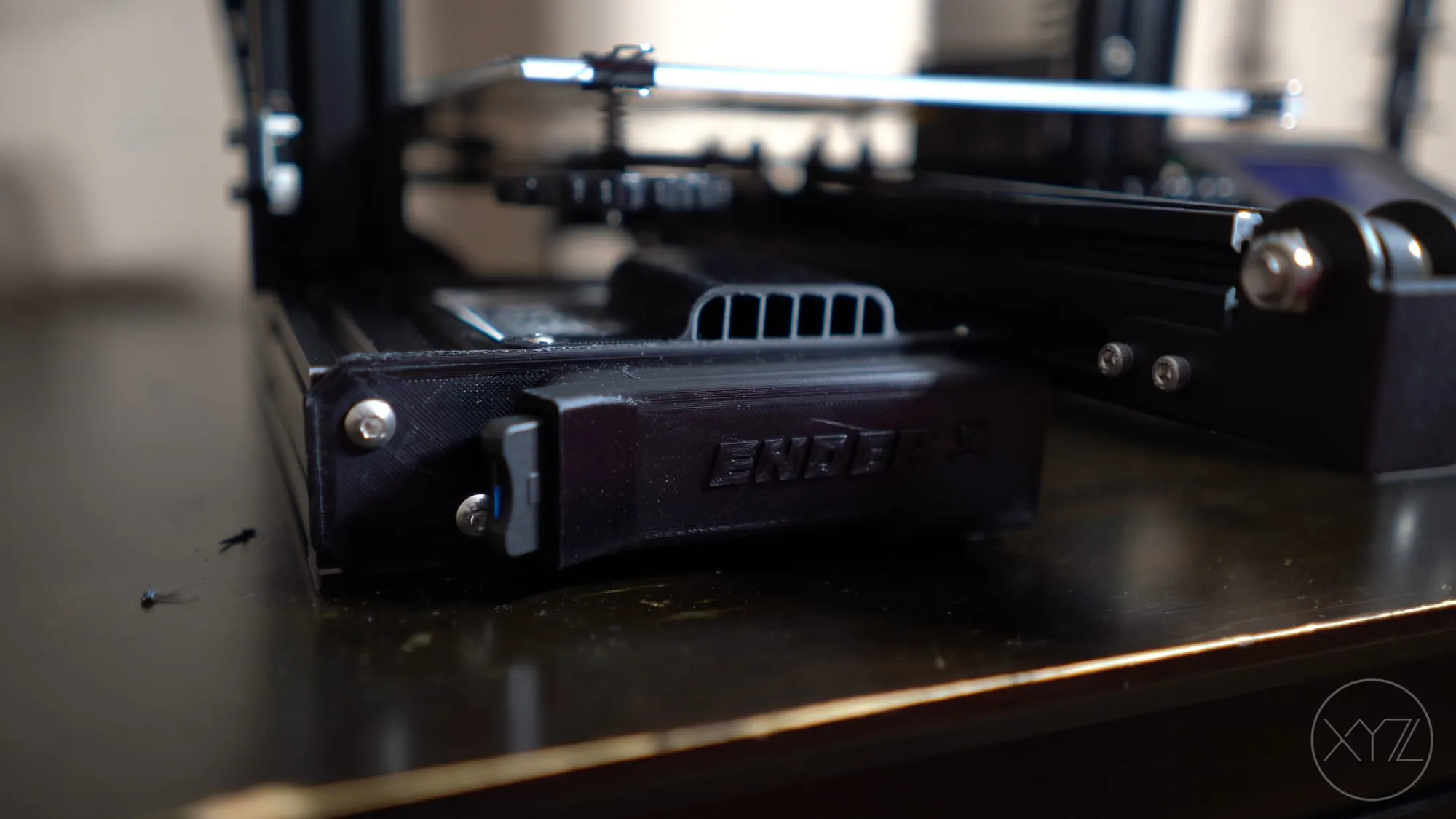
The cooling fan to the power supply is located directly under the heat bed which is not the best location for it. A better location for the fan would have been below, or the front of the printer. The poor placement of the fan causes it to draw in warm air. Not to mention, filament debris can easily fall into the power supply, causing harm/damage.
Once again, the 3D printer has the problem… and the solution. There are a lot of free designs to choose from that can protect the power supply from debris, and draw in cooler air. The design I like is by gunzo182. Although I should mention, with this print I found that the hole spacing was short. I had to get my drill out and stretch it out a bit. Not ideal, but easily corrected.